


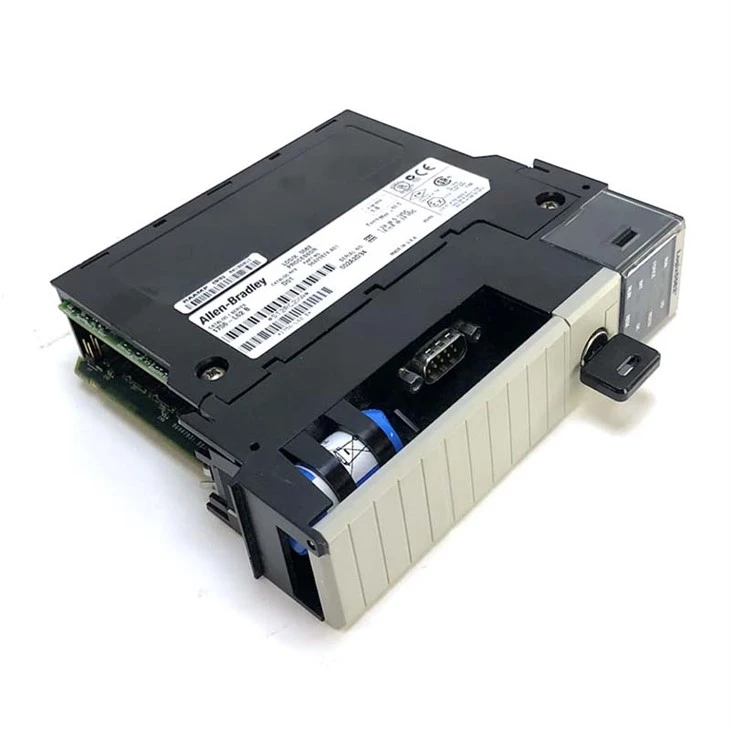
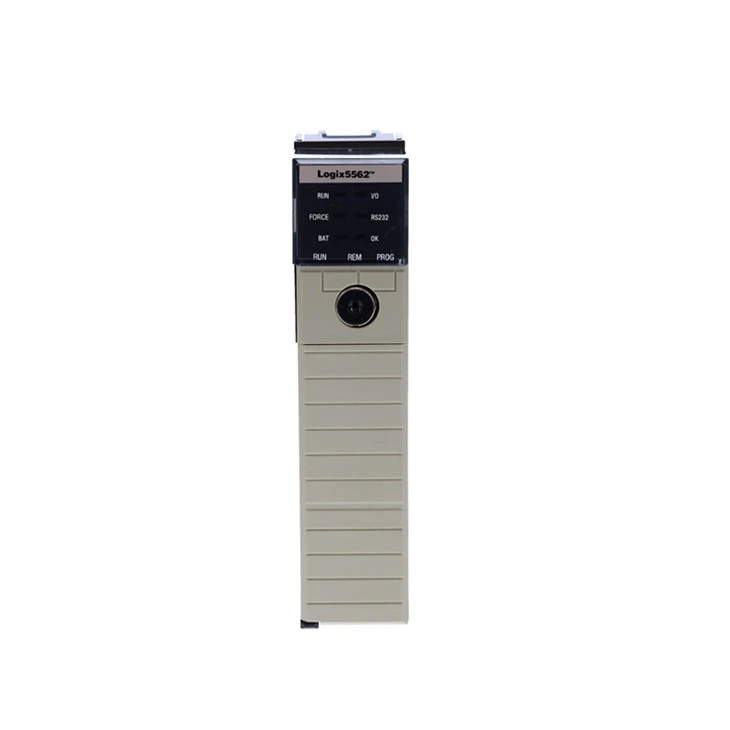
As a trusted supplier of Allen - Bradley PLCs, I've witnessed firsthand the importance of efficient troubleshooting when faults occur. Allen - Bradley PLCs are renowned for their reliability and performance in industrial automation, but like any complex system, they can encounter issues from time to time. In this blog, I'll share some practical steps and tips on how to troubleshoot Allen - Bradley PLC faults effectively.
Initial Assessment
The first step in troubleshooting any PLC fault is to conduct a thorough initial assessment. This involves gathering as much information as possible about the fault. Check the system logs and diagnostic messages provided by the PLC. These logs can often give you a clear indication of what went wrong, such as a specific error code or a malfunctioning module.
Inspect the physical components of the PLC system. Look for any visible signs of damage, such as burnt - out components, loose connections, or frayed wires. A loose wire can cause intermittent faults that are difficult to diagnose, so make sure all connections are secure. Also, check the power supply to the PLC. A fluctuating or insufficient power supply can lead to various problems, including system crashes and incorrect operation.
Identifying the Fault Location
Once you've completed the initial assessment, the next step is to identify the location of the fault. Allen - Bradley PLCs are modular systems, which means that faults can often be isolated to a specific module. Use the diagnostic tools provided by Allen - Bradley, such as the RSLogix software, to monitor the status of different modules.
For example, if you suspect a problem with an input module, you can use the software to check the input signals. If the input signals are not being registered correctly, it could indicate a problem with the module itself or the sensors connected to it. Similarly, for output modules, you can check if the output signals are being sent as expected. If not, the module might be faulty or there could be an issue with the load connected to it.
Let's take a look at some specific Allen - Bradley PLC models and how to troubleshoot common faults in them.
Troubleshooting Allen Bradley 1756 - L62
The Allen Bradley 1756 - L62 is a popular PLC model used in many industrial applications. One common issue with this model is communication problems. If you're having trouble establishing communication between the PLC and the programming software or other devices on the network, first check the network settings. Make sure the IP address, subnet mask, and gateway are configured correctly.
Another possible cause of communication problems is a faulty network module. Use the diagnostic tools to check the status of the network module. If it's showing an error, try replacing the module with a new one. Also, check the network cables for any damage or loose connections.
Troubleshooting Allen Bradley 2080 - LC50 - 24QVB
The Allen Bradley 2080 - LC50 - 24QVB is a compact and powerful PLC. One of the common faults in this model is related to the output relays. If the output relays are not switching correctly, it could be due to a mechanical failure or an over - current situation. Check the load connected to the output relays to make sure it's within the rated capacity. If the load is too high, it can cause the relays to fail prematurely.
You can also use the diagnostic features of the PLC to monitor the status of the output relays. If the software indicates that the relays are not operating as expected, try replacing the faulty relay module.
Troubleshooting Allen Bradley 1746 - IB32
The Allen Bradley 1746 - IB32 is an input module. A common problem with this module is false input readings. This can be caused by electrical interference, sensor malfunctions, or problems with the module itself. To troubleshoot false input readings, first check the sensors connected to the module. Make sure they are working correctly and are properly calibrated.
If the sensors are functioning properly, check for electrical interference. Electrical interference can be caused by nearby motors, transformers, or other electrical equipment. You can use shielding cables or install filters to reduce the interference. If the problem persists, the module might be faulty and need to be replaced.
Testing and Replacement
After identifying the faulty component, the next step is to test and replace it if necessary. Before replacing a module, make sure you have the correct replacement part on hand. Allen - Bradley offers a wide range of replacement modules that are designed to be compatible with their PLC systems.
When testing a module, use appropriate test equipment, such as a multimeter or a logic analyzer. For example, if you're testing an input module, you can use a multimeter to check the voltage levels of the input signals. If the voltage levels are not within the expected range, the module might be faulty.
When replacing a module, follow the manufacturer's instructions carefully. Make sure the power to the PLC is turned off before removing or installing a module to avoid any electrical hazards. After replacing the module, power on the PLC and test the system to make sure the fault has been resolved.
Preventive Maintenance
To minimize the occurrence of faults in Allen - Bradley PLCs, it's important to implement a preventive maintenance program. This includes regular inspections, cleaning, and calibration of the PLC system.
Inspect the PLC components regularly for any signs of wear and tear, such as corrosion or loose connections. Clean the components using compressed air or a soft brush to remove dust and debris. Dust can accumulate on the components and cause overheating, which can lead to premature failure.
Calibrate the sensors and other devices connected to the PLC regularly to ensure accurate operation. Incorrect sensor readings can cause the PLC to make incorrect decisions, leading to system malfunctions.
Conclusion
Troubleshooting Allen - Bradley PLC faults requires a systematic approach and a good understanding of the system. By following the steps outlined in this blog, you can effectively identify and resolve most common faults. Remember to always refer to the manufacturer's documentation and use the appropriate diagnostic tools.
As a supplier of Allen - Bradley PLCs, I'm committed to providing high - quality products and excellent customer support. If you're experiencing any issues with your Allen - Bradley PLC or need help with troubleshooting, or if you're interested in purchasing Allen - Bradley PLCs or replacement parts, please feel free to reach out for a procurement discussion. We're here to assist you in ensuring the smooth operation of your industrial automation systems.
References
- Allen - Bradley PLC User Manuals
- Industrial Automation Handbook
- RSLogix Software Documentation


