


How to simulate a Siemens PLC program?
In the industrial automation field, Siemens PLCs (Programmable Logic Controllers) are renowned for their reliability, high - performance, and extensive functionality. As a Siemens PLC supplier, I have witnessed the increasing demand for PLC programming simulation. Simulation allows programmers and engineers to test and optimize their PLC programs without the need for physical hardware, saving time and costs. In this blog, I will share some key steps and methods on how to simulate a Siemens PLC program.
1. Select the Right Simulation Software
Siemens offers several simulation software options for different PLC series. One of the most popular ones is PLCSIM ADVANCED. It provides a comprehensive simulation environment that can accurately replicate the behavior of Siemens PLCs. This software supports a wide range of hardware models and allows you to simulate various scenarios, including network communication and complex control algorithms.
For example, if you are working with the Siemens S7 - 1500 series, PLCSIM ADVANCED can simulate the CPU, I/O modules, and communication interfaces. It comes with a user - friendly interface where you can easily configure the simulation parameters, such as the cycle time, memory addresses, and input/output status.
2. Install and Configure the Simulation Software
Once you have selected the appropriate simulation software, the next step is to install it on your computer. Follow the installation wizard instructions carefully, and make sure your system meets the software's requirements.
After installation, you need to configure the software to match your actual PLC project. This includes setting up the hardware configuration, such as adding the CPU and I/O modules, and defining the communication settings. You can import the hardware configuration from your TIA Portal (Totally Integrated Automation Portal) project if you are using Siemens' integrated engineering framework.
For instance, if your project uses the 6es7407 - 0da02 - 0aa0 Siemens Ps407 Power Supply, you need to add it to the hardware configuration in the simulation software and set its parameters correctly. This ensures that the simulation accurately reflects the behavior of your real - world system.
3. Create or Import the PLC Program
You can either create a new PLC program from scratch in the TIA Portal or import an existing program into the simulation software. When creating a new program, you need to define the program structure, such as the organization blocks (OBs), function blocks (FBs), and functions (FCs).
For example, the OB1 is the main organization block that is executed cyclically. You can write your control logic, such as ladder logic or Structured Text (ST), within these blocks. Once you have completed the program, you can transfer it to the simulation software for testing.
4. Set Up the Simulation Environment
Before starting the simulation, you need to define the input and output signals. You can do this by using the input/output tables in the simulation software. For each input and output signal, you can set its initial value and change it during the simulation to test different scenarios.
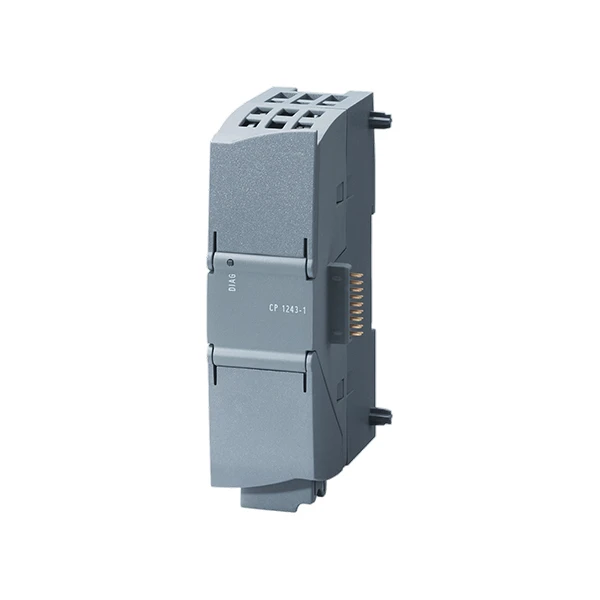
You can also simulate network communication in the software. For example, if your PLC is using the Siemens 6GK7243 - 1BX30 - 0XE0 communication module, you can configure the network settings in the simulation software and simulate data exchange between different devices on the network.
5. Run the Simulation and Debug the Program
Once everything is set up, you can start the simulation. The simulation software will execute the PLC program and update the input/output status according to the program logic. You can monitor the program execution by using the watch tables and process images in the software.
If you encounter any errors or unexpected behavior during the simulation, you can use the debugging tools provided by the simulation software. For example, you can set breakpoints in the program, single - step through the code, and examine the values of variables at different stages of execution.
6. Analyze the Simulation Results
After running the simulation, you need to analyze the results to determine if the PLC program meets the requirements. Check if the output signals are correct based on the input conditions and the control logic. You can also measure the performance of the program, such as the execution time and the memory usage.
For example, if your PLC is controlling a conveyor belt, you can check if the belt moves at the correct speed and stops at the right position according to the input signals from sensors. If there are any issues, you can go back to the program and make the necessary modifications, and then run the simulation again until the program functions properly.

7. Integration with Other Systems
In some industrial applications, the Siemens PLC needs to be integrated with other systems, such as SCADA (Supervisory Control and Data Acquisition) systems or HMI (Human - Machine Interface) devices. When simulating the PLC program, you can also simulate the communication between the PLC and these external systems.
For example, you can use software tools to simulate the HMI screen and send commands to the PLC through the simulated network. This allows you to test the overall functionality of the integrated system before deploying it in the real - world environment.
Another aspect is to simulate the Siemens 6ED1052 - 1MD08 - 0BA2 LOGO which is often used in small - scale automation applications. You can integrate its simulation with the main PLC simulation to test the combined control logic.
In conclusion, simulating a Siemens PLC program is a crucial step in the industrial automation development process. It helps to ensure the reliability and efficiency of the PLC program before actual deployment. As a Siemens PLC supplier, I can provide you with not only the high - quality Siemens PLC products but also professional advice on PLC programming and simulation. If you have any needs for Siemens PLC products or want to discuss the simulation of your PLC projects, feel free to contact us for further purchase and negotiation.
References
- Siemens TIA Portal User Manual
- PLCSIM ADVANCED Documentation
- Industrial Automation Handbook on Siemens PLCs


