


Hey there! As a supplier of Mitsubishi PLC, I've had my fair share of helping folks with the installation of programming software for these nifty devices. In this blog, I'll walk you through the process step by step.
First off, why is installing the right programming software so important? Well, Mitsubishi PLCs are known for their reliability and efficiency in industrial automation. But to make the most of them, you need the proper software. It allows you to program the PLC to perform specific tasks, monitor its operation, and troubleshoot any issues that might pop up.
Prerequisites
Before you start the installation, there are a few things you need to have in place.
Hardware Requirements
Your computer should meet the minimum hardware specs. You'll need a decent processor, enough RAM (usually at least 2GB, but more is better), and sufficient hard drive space. A stable internet connection is also a must, especially if you're downloading the software directly from Mitsubishi's official site.
Software Compatibility
Check the compatibility of the programming software with your operating system. Mitsubishi offers different versions of the software for Windows and other OS. Make sure you download the right one for your setup.
Downloading the Software
The first step is to get your hands on the programming software. Head over to Mitsubishi's official website. You can find a dedicated section for downloads. Look for the software that matches your PLC model. For example, if you've got a Mitsubishi FX3S 30MR ES, you'll need the corresponding software.
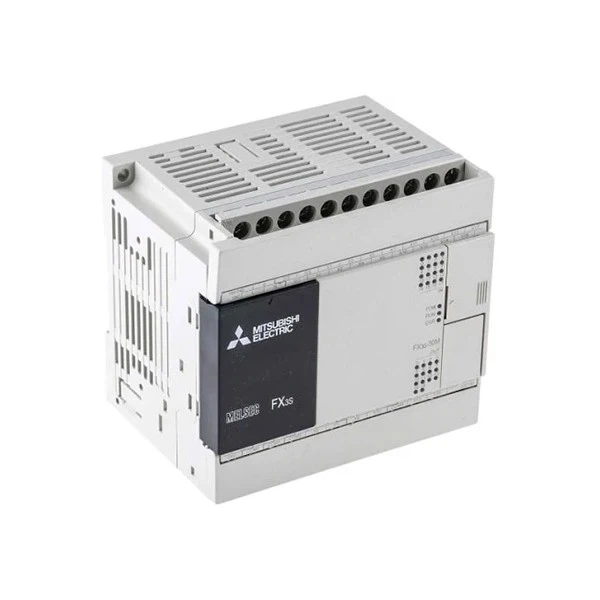
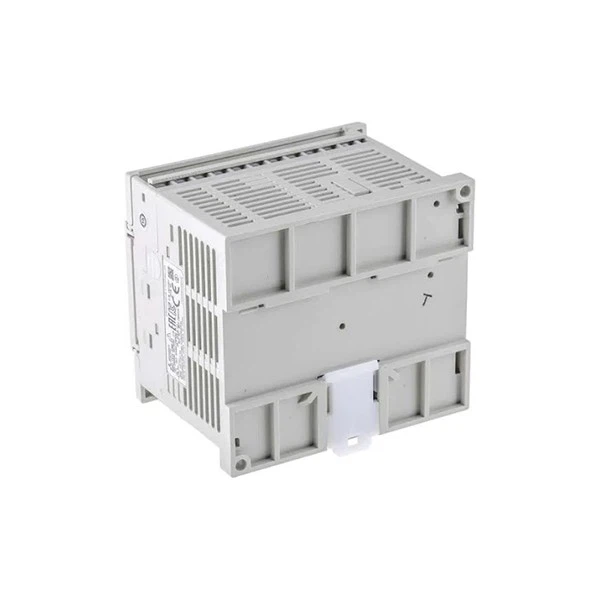
Once you've found the right software, click on the download link. The file might be a bit large, so it could take some time depending on your internet speed. While you're waiting, you can double - check your hardware and software requirements again.
Installation Process
Okay, so the download is complete. Now it's time to install the software.
Run the Installer
Locate the downloaded file on your computer and double - click on it. This will launch the installation wizard. Follow the on - screen instructions. The wizard will guide you through the process, asking you to accept the license agreement, choose the installation directory, and so on.
License Activation
After the installation is done, you'll need to activate your license. Mitsubishi usually provides a license key with the software purchase. Enter the key in the designated field in the software. This step is crucial as it ensures you're using a legitimate copy of the software.
Configuration
Once the software is installed and activated, you'll need to configure it for your specific PLC. Connect your PLC to your computer using the appropriate cable. The software will detect the PLC and prompt you to set up the communication settings. Make sure you select the correct communication port and protocol.
Troubleshooting
Sometimes, things don't go as smoothly as we'd like. Here are some common issues and how to fix them.
Installation Errors
If you encounter an error during the installation, it could be due to a corrupted download file. Try deleting the file and downloading it again. Also, make sure your antivirus software isn't blocking the installation. You might need to temporarily disable it during the installation process.
Communication Issues
If the software can't communicate with your PLC, check the cable connections. Make sure the cable is properly plugged in and there are no loose ends. You can also try restarting both the PLC and your computer.
Tips and Tricks
Here are a few tips to make your experience with the Mitsubishi PLC programming software even better.
Keep the Software Updated
Mitsubishi regularly releases updates for the programming software. These updates often include bug fixes, new features, and improved compatibility. Make sure you check for updates regularly and install them as soon as they're available.
Use Online Resources
There are plenty of online forums and communities where you can find help and tips from other Mitsubishi PLC users. Don't be afraid to ask questions and share your experiences.
Conclusion
Installing the programming software for Mitsubishi PLCs might seem a bit daunting at first, but it's actually a straightforward process if you follow the steps. Whether you're using a Mitsubishi FX3S 30MR ES, QJ72BR15 MITSUBISHI PLC, or FX5-32ER/ES Mitsubishi Electric, the key is to be patient and methodical.
If you're in the market for Mitsubishi PLCs or need further assistance with the programming software, don't hesitate to reach out. We're here to help you make the most of these amazing devices. Whether you're a seasoned pro or just starting out in the world of industrial automation, we've got the products and support you need.
References
- Mitsubishi Electric Corporation. (Year). Mitsubishi PLC Programming Software User Manual.
- Online communities and forums for Mitsubishi PLC users.


