


Hey there! As a supplier of Allen - Bradley VFDs, I often get asked about how to set the frequency jump function on these drives. It's a pretty important feature, especially when you're dealing with applications where certain frequencies can cause problems, like resonance in a mechanical system. So, let's dive right in and break it down step by step.
First off, let's talk a bit about what frequency jump is and why it matters. Frequency jump is a function that allows you to skip over specific frequency ranges where your system might experience issues. For example, if your motor is connected to a pump, there could be a particular frequency at which the pump starts to vibrate excessively. By setting a frequency jump, you can avoid that range and keep your system running smoothly.
Now, let's get into the details of how to set the frequency jump function on an Allen - Bradley VFD. Different models might have slightly different procedures, but the general concept remains the same. I'll use some common models like the Allen-Bradley 22F-D4P2N103 VFD, Allen-Bradley 22B-D010N104, and Allen-Bradley 25B-D6P0N104 as examples.
Step 1: Access the Drive's Parameter Menu
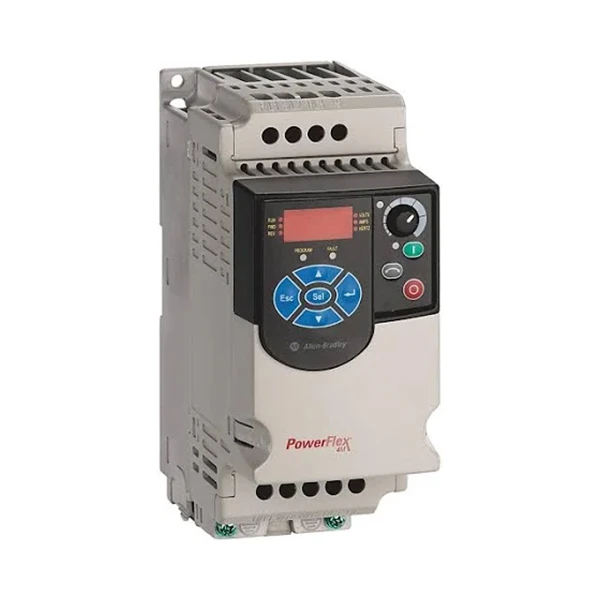
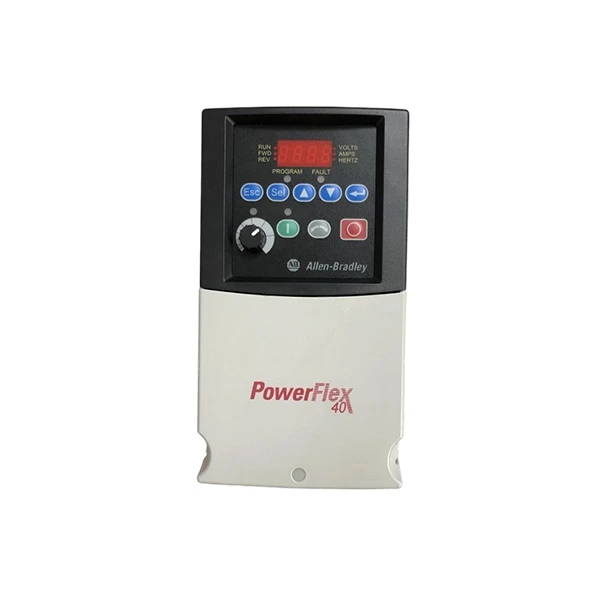
The first thing you need to do is access the drive's parameter menu. Usually, you can do this by pressing the "Menu" or "Select" button on the drive's keypad. You'll be presented with a list of different parameter groups. Look for the group related to frequency settings. This might be labeled something like "Frequency Control" or "Motor Speed".
Step 2: Locate the Frequency Jump Parameters
Once you're in the frequency settings group, you need to find the parameters related to frequency jump. They are often labeled as "Frequency Jump 1", "Frequency Jump 2", and so on. Some drives allow you to set multiple frequency jump ranges, which is handy if you have multiple resonance points in your system.
Step 3: Set the Lower and Upper Bounds of the Jump Range
For each frequency jump, you'll need to set the lower and upper bounds of the range you want to skip. For example, if you've determined that the problematic frequency range is between 20 Hz and 25 Hz, you'll set the lower bound to 20 Hz and the upper bound to 25 Hz. You can usually do this by using the arrow keys on the keypad to increase or decrease the values.
Step 4: Enable the Frequency Jump Function
After you've set the jump ranges, you need to enable the frequency jump function. There's usually a parameter labeled something like "Frequency Jump Enable". Set this parameter to "On" or "Enabled". This tells the drive to actually skip over the specified frequency ranges.
Step 5: Test the Setup
Once you've completed all the settings, it's a good idea to test the setup. Start the drive and gradually increase the frequency. Make sure that the drive skips over the frequency ranges you've set. If everything works as expected, you're good to go. If not, double - check your settings and make any necessary adjustments.
Now, let's talk about some tips and considerations when setting the frequency jump function.
- Accurate Measurement: Before setting the frequency jump ranges, it's crucial to accurately measure the frequencies at which your system experiences problems. You can use tools like a vibration analyzer or a frequency meter to do this.
- Multiple Jumps: If your system has multiple resonance points, don't hesitate to use multiple frequency jump ranges. Just make sure that you don't set the ranges too close to each other, as this can cause the drive to have trouble finding a stable operating frequency.
- Documentation: Keep a record of the frequency jump ranges you've set. This will come in handy if you need to make changes in the future or if you're troubleshooting an issue.
As an Allen - Bradley VFD supplier, I've seen firsthand how important the frequency jump function can be in ensuring the reliable operation of your equipment. If you're having any trouble setting up the frequency jump function or if you're not sure which VFD model is right for your application, don't hesitate to reach out. We're here to help you make the most of your Allen - Bradley VFDs.
Whether you're dealing with a small - scale operation or a large industrial setup, getting the frequency jump function right can save you a lot of headaches down the road. It can prevent excessive vibration, reduce wear and tear on your equipment, and ultimately improve the overall efficiency of your system.
So, if you're in the market for an Allen - Bradley VFD or if you need some advice on setting up the frequency jump function, feel free to contact us. We'll work with you to understand your specific needs and provide you with the best solutions.
References
- Allen - Bradley VFD User Manuals
- Industrial Motor and Drive Application Guides


