


An HMI is primarily an operator interface, while an Industrial PC, or IPC, is a general purpose industrial computing platform that can run HMI software together with databases, SCADA clients, reporting tools, machine vision applications, and other software. That difference in system role matters more than screen size or processor speed.
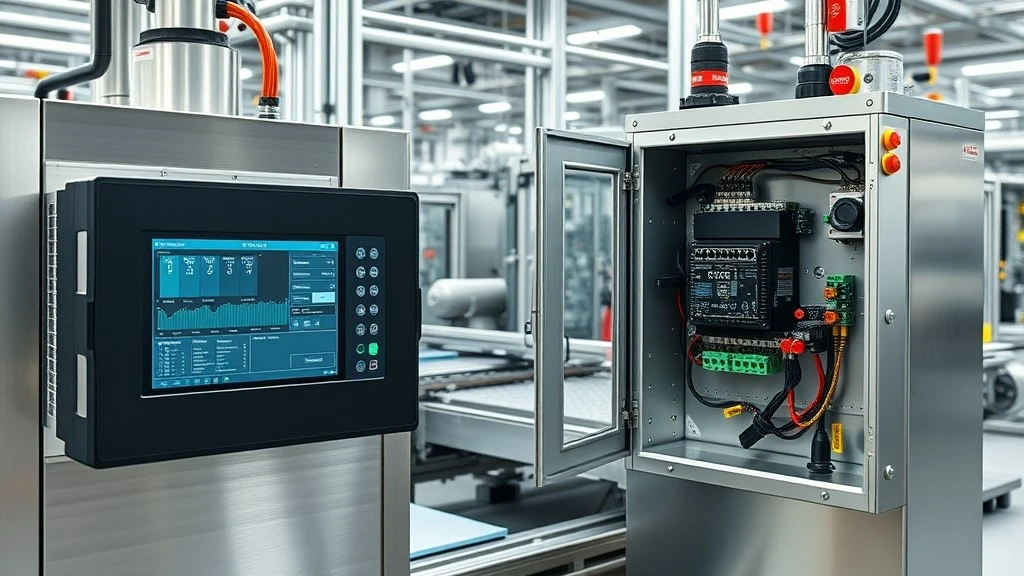
Both devices can have touchscreens, communicate with PLCs, and sometimes look almost identical. The better question is not "Which device is more powerful?" It is "What does this device need to do in the control architecture?"
Quick answer
- Choose an HMI when the main requirement is dedicated operator monitoring and control of a machine or PLC.
- Choose an Industrial PC when the system must run several software applications, process larger amounts of data, connect to databases, or integrate with plant level systems.
- Use both when operators need a reliable local interface while a central computer handles reporting, analytics, SCADA, or data integration.
HMI vs Industrial PC at a Glance
|
Factor |
HMI |
Industrial PC |
|
Primary role |
Operator interface |
Industrial computing platform |
|
Typical PLC use |
Visualization, commands, alarms, recipes |
Data processing, software integration, advanced applications |
|
Processing power |
Usually low to medium |
Usually medium to high |
|
Operating system |
Embedded or vendor specific |
Commonly Windows or Linux based |
|
Software flexibility |
Focused on HMI functions |
High, depending on OS and hardware |
|
Data logging |
Basic to moderate, model dependent |
Suitable for larger databases and historians |
|
SCADA or MES integration |
Possible on some platforms |
Better suited to complex integration |
|
Connectivity |
Usually PLC focused |
PLC plus broader IT and OT connectivity |
|
Maintenance |
Usually simpler |
Usually requires more OS and software maintenance |
|
Upfront cost |
Often lower |
Often higher |
|
Scalability |
Moderate |
High |
|
Best fit |
Dedicated machine interface |
Software and data intensive system |
The table should not be read as "IPC is better." Extra processing power only creates value when the application needs it. A dedicated HMI may be the better choice because it is focused and easier to maintain.
What Is an HMI and What Role Does It Play?
A Human Machine Interface gives operators a visual way to interact with an automated machine or process. It displays controller values and lets authorized operators write selected values back.
Core HMI Functions
Typical HMI tasks include displaying machine status, acknowledging alarms, changing setpoints, selecting recipes, viewing trends, checking production counts, and issuing permitted start or stop commands.
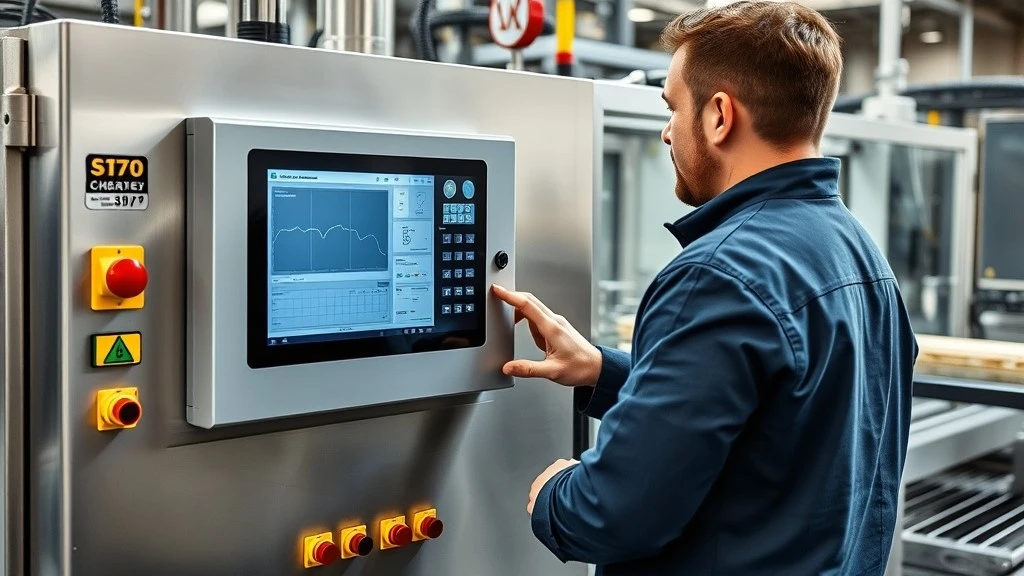
On a packaging machine, the PLC executes the sequence and controls equipment. The HMI lets the operator select a recipe, see alarms, adjust permitted parameters, and check production. If that is the entire requirement, an IPC may add cost without improving the operator's job.
For new panels or replacements, see CHENTUO's industrial HMI products across major automation brands.
Where an HMI Sits in a PLC System
A simple architecture looks like this:
Sensors and drives → PLC ↔ HMI
The PLC normally executes the core control logic. The HMI reads selected tags and writes permitted commands or setpoints back.
If you want a deeper explanation of the roles of the PLC, HMI, and supervisory layer, see our existing guide: PLC vs HMI vs SCADA: How They Work Together. This article intentionally takes a different direction by focusing on HMI versus IPC selection rather than repeating the full PLC, HMI, and SCADA architecture.
What Is an Industrial PC?
An Industrial PC is a computer designed for industrial deployment. Compared with a dedicated HMI, it normally provides a broader computing environment and more freedom to install applications.
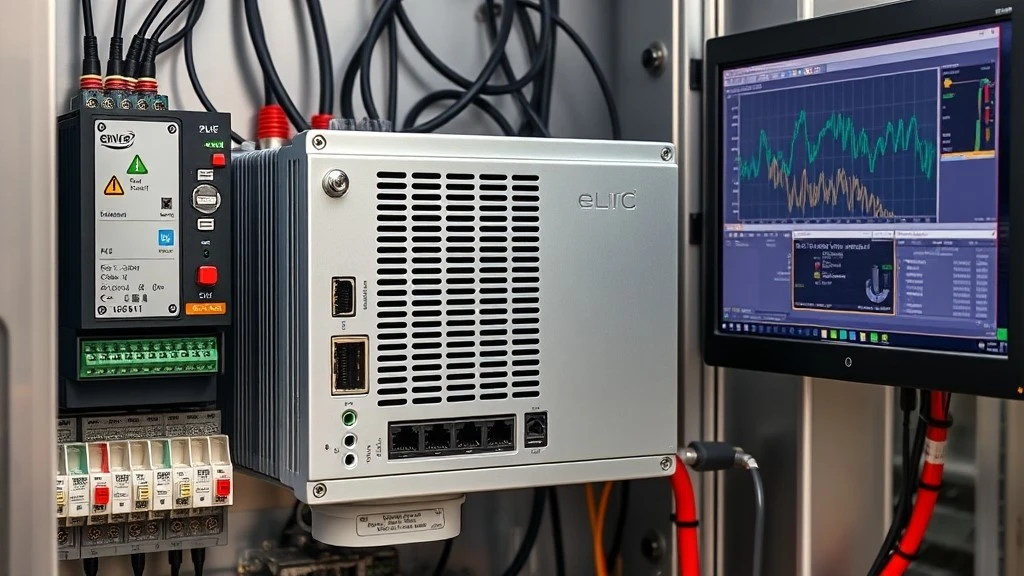
An IPC may run HMI or SCADA software, SQL databases, reporting tools, machine vision, historians, or edge applications. It becomes useful when the device must do more than provide a local operator screen.
Industrial PC vs Commercial PC
The word "industrial" is not a complete specification. Depending on the model, an IPC may provide fanless cooling, industrial mounting, wider temperature capability, vibration resistance, longer availability, and additional interfaces.
Verify the actual datasheet for temperature, power, ingress protection, vibration, mounting, storage, and communication options.
Where HMI, PLC and IPC Fit in the Same Automation Architecture
HMI, PLC, and IPC are not three interchangeable devices. They normally solve different problems.
PLC: Deterministic Control
The PLC reads inputs, runs control logic, and updates outputs. It is responsible for the machine or process control sequence.
HMI: Operator Interaction
The HMI turns PLC tags and machine states into information operators can understand and act on. Its value is a focused, maintainable operator interface.
IPC: Computing and Integration
The IPC becomes useful when the system needs a broader software and data layer:
PLCs → IPC → SQL database / SCADA / MES / reporting
It may collect information from several controllers, store production history, run applications, or exchange data with upper level systems.
Communication capability is critical here. An Ethernet port alone does not guarantee that a device can communicate with a specific PLC. The actual protocol and software driver must be supported. For a deeper protocol comparison, see our PLC Communication Protocols Compared guide.
They Can Work Together
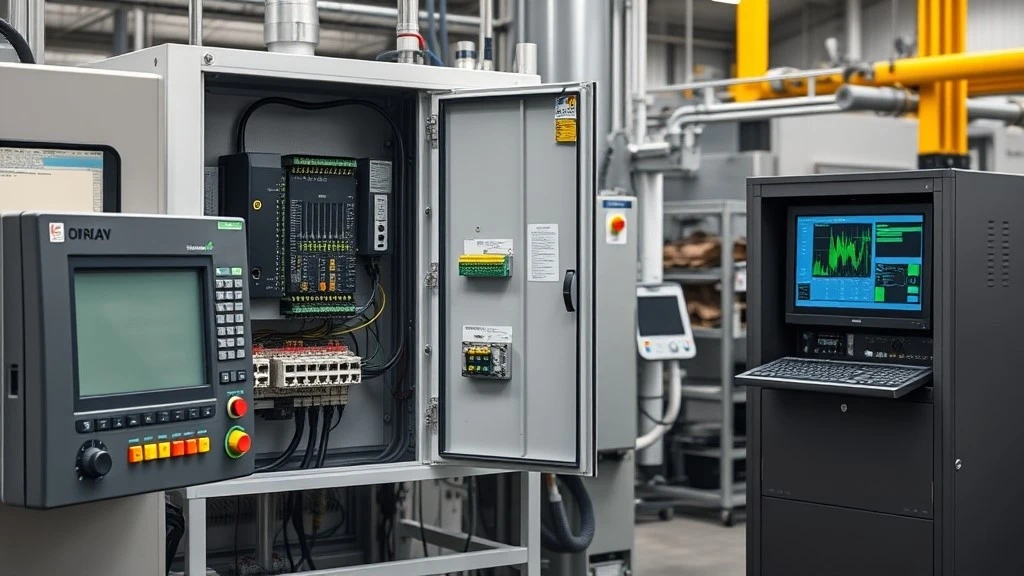
A machine can use a local HMI for operation while sending production data to an IPC for centralized reporting. In larger systems, separating these roles is often more practical.
7 Key Differences Between HMI and Industrial PC
1. System Role
Start with the job the device must perform.
If the requirement is "operators need to monitor and change PLC values," an HMI is the natural starting point. If the requirement is "the system must run multiple software applications, store data, and integrate with other systems," evaluate an IPC.
This distinction is more useful than comparing CPUs first.
2. Processing and Data Workload
Visualization, alarms, recipes, and machine status do not usually require PC class computing. Machine vision, large databases, analytics, several applications, or high volume logging can justify an IPC. Processor, memory, and storage should match the actual workload.
3. Software and Operating System
A dedicated HMI normally uses a vendor engineering environment and HMI runtime. This can reduce flexibility, but it can also make deployment and maintenance more predictable.
An IPC commonly provides a Windows or Linux environment and can support broader third party software. That flexibility may also introduce additional responsibilities, including software licensing, operating system updates, backups, application compatibility, and cybersecurity management.
Ask which software the project must run, and who will maintain it.
4. PLC and Network Connectivity
Protocol compatibility matters more than the number of ports.
Common industrial connections include Ethernet, RS 232, RS 485, Modbus TCP or RTU, PROFINET, EtherNet/IP, and OPC UA. Actual support varies by hardware model and software driver.
When replacing an HMI, verify the PLC model and protocol before ordering. An Ethernet port does not automatically guarantee compatible communication.
5. Data Logging and System Integration
An HMI may provide trends, alarm history, recipe storage, and local data logging. For one machine, that may be enough.
An IPC becomes more attractive when production data must be collected from several PLCs, stored in SQL or a historian, transferred to MES or ERP software, or used for centralized reporting.
Ask where the data needs to go after the operator sees it. If it must enter databases, reporting, analytics, or enterprise systems, the IPC has a clearer role.
6. Maintenance, Security and Lifecycle
A dedicated HMI usually has a narrower software environment. An IPC may expose more services, applications, user accounts, and network connections, so the maintenance plan can become more involved.
For either device, check project backups, replacement availability, software support, and how quickly the system can be restored after failure.
A useful procurement question is: "If this unit fails five years from now, can we restore the application and source compatible hardware without redesigning the panel?"
7. Cost and Total Cost of Ownership
Purchase price is only one part of the decision. Total cost also includes software, engineering, training, commissioning, backups, spare parts, downtime, and future migration.
A dedicated HMI may have a lower initial cost and lower maintenance burden for a straightforward machine interface. An IPC may cost more to deploy, but it can be economical when one platform replaces several separate computing or data functions.
When Should You Choose an HMI?
Choose an HMI when most of the following conditions are true:
- The application is focused on one machine or a limited number of controllers.
- Operators mainly need status, alarms, recipes, setpoints, and permitted commands.
- There is no requirement for complex database or analytics software.
- The maintenance team already supports the HMI and PLC ecosystem.
- Simple recovery and replacement are important.
- The project is sensitive to engineering and lifecycle cost.
For a packaging machine controlled by one PLC, a dedicated HMI is often the cleanest solution. If the application does not require SQL, machine vision, or several PC applications, an IPC can be unnecessary complexity.
When Should You Choose an Industrial PC?
Choose an Industrial PC when several of these requirements appear together:
- Multiple software applications must run on one platform.
- The project requires SQL, a historian, detailed reporting, or large data sets.
- Data from several PLCs must be aggregated.
- Machine vision or advanced analytics is required.
- The system needs broader integration with SCADA, MES, ERP, or remote services.
- Future software expansion is an important design requirement.
A production line with several PLCs may use an IPC to collect data, store it in a database, and provide information to MES. The application has become a computing and integration problem, not simply a display problem.
When Should You Use Both HMI and IPC?
Larger systems often benefit from separating local operation from centralized computing.
Imagine three machines, each with its own HMI. Operators can continue to run, troubleshoot, and reset each machine locally. At the same time, a central IPC collects data from all three PLCs for reporting, analysis, or SCADA.
This works when local operation should not depend on a central workstation, while production management still needs plant wide data. HMI and IPC are complementary here.
Where Does an Industrial Panel PC Fit?
An Industrial Panel PC combines a display with an industrial computer in a panel mounted form factor. It can look similar to an HMI, but serves a different design purpose.
A dedicated HMI is primarily an operator interface platform. A Panel PC is primarily an industrial computer with an integrated display. If the application needs a touchscreen plus Windows or Linux software, custom applications, database access, or a PC based HMI runtime, a Panel PC can be a practical option.
It also brings the maintenance and cybersecurity responsibilities of a PC based system, so it is not automatically a better HMI.
Replacing an Existing HMI: Another HMI or an IPC?
For many maintenance and procurement teams, this question is more practical than new machine selection.
If an installed HMI fails or becomes obsolete, moving to an IPC is not automatically an upgrade. Keep an HMI when the application still meets the requirement, the PLC and protocol remain unchanged, a compatible replacement exists, and downtime is the priority.
Consider an IPC when the modernization project also introduces new requirements such as centralized data collection, SQL reporting, several software applications, machine vision, or integration across multiple machines.
Before replacing hardware, collect the following information:
- Existing HMI brand and exact model number
- PLC brand and exact model
- Communication protocol and physical port
- HMI project backup and software version, if available
- Screen size and panel cutout dimensions
- Power supply
- Existing cables and connectors
- Environmental requirements
- Quantity and required delivery date
For Siemens based systems, you can also refer to our guide on establishing communication between Siemens HMI and PLC.
For an installed panel, do not start with "Which HMI is newer?" Start with compatibility. CHENTUO lists HMI options across Siemens, Allen Bradley, Mitsubishi, Omron, Schneider, and ABB categories for model matching and replacement discussions.
HMI vs IPC Decision Tree
Use this as a first pass selection tool:
1. Is the primary job local PLC monitoring and operator control?
Yes: start with an HMI.
No: continue to Step 2.
2. Must the device run several PC applications, databases, vision, or analytics?
Yes: evaluate an IPC.
No: continue to Step 3.
3. Do you need a touchscreen plus a PC operating system and custom software?
Yes: evaluate an Industrial Panel PC.
No: an HMI may still be the simpler choice.
4. Do operators need local machine control while management needs centralized data?
Yes: use local HMI panels plus a central IPC or SCADA layer.
5. Is this a replacement project?
Yes: check the existing PLC, protocol, project backup, panel cutout, power supply, and software compatibility before changing the architecture.
Use the tree as an initial screen, then confirm the actual model specifications and supported software.
Buyer Checklist Before Choosing HMI or IPC
Before requesting a quotation, prepare these project details:
Application
- One machine, production line, or plant level system?
- Local operator interface or centralized monitoring?
- How many PLCs are involved?
PLC and communication
- PLC brand and model
- Required protocol
- Ethernet, RS 232, RS 485, or other interfaces
Display
- Screen size and resolution
- Touch requirements
- Panel mounting and cutout dimensions
Software
- HMI runtime
- Windows or Linux requirement
- SCADA, SQL, reporting, vision, or other applications
Environment
- Operating temperature
- Dust or moisture exposure
- Vibration
- Required ingress protection
Lifecycle and commercial
- New project or replacement
- Project backup available?
- Quantity
- Destination
- Required delivery date
- Alternative brands acceptable?
This turns a generic request into a specification that can be checked for compatibility.
Final Recommendation: HMI or Industrial PC?
Choose an HMI when you need a dedicated, maintainable operator interface for PLC monitoring and machine control.
Choose an Industrial PC when the project is primarily a software, data processing, or integration platform.
Choose both when local operators need independent machine access while the plant also needs centralized reporting, SCADA, historian functions, or analytics.
If your project points toward an HMI, identify the correct brand, model, protocol, display, and replacement requirements. Browse our HMI product category or send your requirements for a quotation. For replacement requests, include the HMI model, PLC model, protocol, quantity, destination, and nameplate or panel photos if possible.
FAQ

What is the main difference between an HMI and an Industrial PC?
Can an Industrial PC replace an HMI?
Can an HMI work without a PLC?
Can an Industrial PC run HMI software?
Which is better for PLC control, an HMI or an Industrial PC?
What information do I need to replace an existing HMI?


