


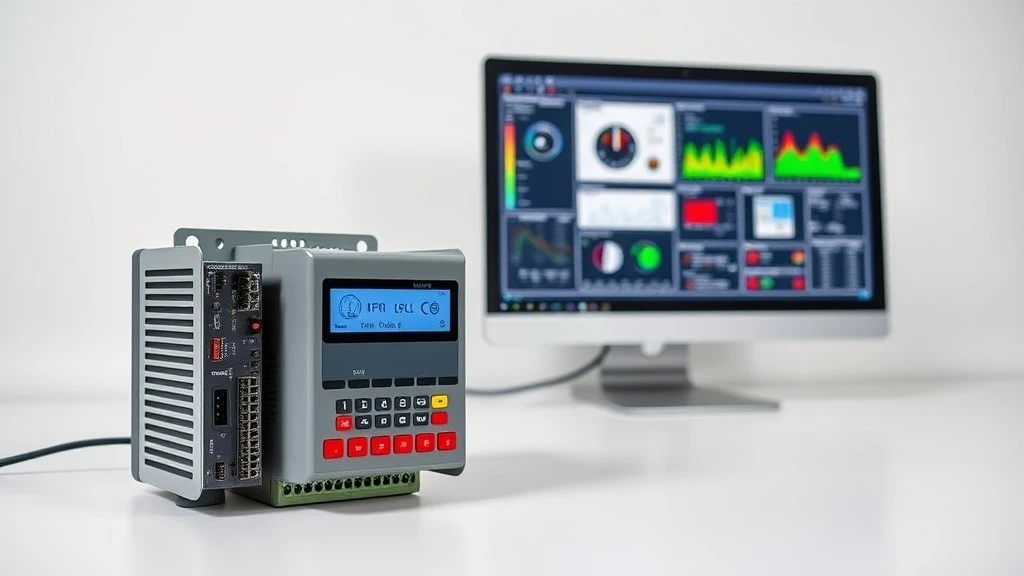
In any automated machine or production line, three building blocks do most of the work. A PLC (Programmable Logic Controller) is the control brain that executes logic. An HMI (Human-Machine Interface) is the screen operators use to watch and command the process. SCADA (Supervisory Control and Data Acquisition) sits above both, monitoring and logging data across many machines or sites. This guide explains the real differences, shows how they stack up in a control system, and helps you choose and source the right parts.
Use the sections below to jump straight to the comparison table, the architecture, the selection guide, or the buying advice.
PLC vs HMI vs SCADA at a Glance
Here is the short version before we go deeper. The PLC decides, the HMI displays, and SCADA oversees.
|
Attribute |
PLC |
HMI |
SCADA |
DCS |
CPU |
|
Core role |
Executes control logic |
Operator screen for one machine or area |
Supervises and logs many units or sites |
Controls continuous processes plant-wide |
Processor inside a PLC or controller |
|
System layer |
Control |
Local supervisory |
Plant or remote supervisory |
Integrated control and supervisory |
Sub-component of control |
|
Typical form |
DIN-rail module or rack |
Touch panel or keypad |
Software on servers plus clients |
Distributed controllers plus workstations |
Chip or module |
|
Makes decisions? |
Yes, in real time |
No, sends commands to the PLC |
Yes, at a high level |
Yes, for process loops |
Yes, it runs the PLC program |
|
Visualizes data? |
No |
Yes, locally |
Yes, across sites |
Yes |
No |
|
Multi-device or multi-site? |
Usually one machine |
One machine or area |
Many machines and sites |
One large plant |
Not applicable |
|
Typical protocols |
Profinet, EtherNet/IP, Modbus |
Same as its PLC |
OPC UA, Modbus TCP, DNP3 |
Proprietary plus fieldbus |
Internal bus |
|
Example products |
Siemens S7-1200, Schneider TM241, AB CompactLogix |
SIMATIC KTP900, Schneider Magelis |
WinCC, Ignition, Wonderware |
ABB or Emerson systems |
S7-1200 CPU |
|
Best for |
Machine or line control |
Local operation and alarms |
Remote monitoring and data |
Refineries, power, chemicals |
Part of the PLC |
How to read this table: scan each column top to bottom to see what the component does and where it lives. Note two things that confuse buyers. A CPU is not a fourth device; it is the processor inside the PLC. And DCS is a separate architecture for large continuous processes, which we cover further down. Everything else in this article expands on the rows above.
The Industrial Control Hierarchy (How They Stack Up)
These components are not competitors. They live on different layers of the same system and pass information up and down a stack:
Field devices (sensors, actuators, VFDs, servos) → PLC / CPU (control) → HMI (local interface) → SCADA (supervisory and remote) → MES / Enterprise (business systems)
Signals travel up from the field for monitoring, and commands travel back down for control. Understanding this stack is the fastest way to know which products a given application actually needs.
Field layer: sensors, actuators, VFDs and servos
This is the physical edge of the system: sensors that measure and actuators, motors, and valves that act. Variable frequency drives and servo drives also belong here, taking speed and position commands from the PLC. We stock these field components alongside controllers, so a project can be sourced from one supplier.
Control layer: where the PLC and CPU live
The PLC reads field inputs, runs your logic, and drives outputs. The CPU is the processor inside it. This is the layer that makes real-time decisions, and it is almost always the first component you specify for a new machine.
Supervisory layer: where HMI and SCADA live
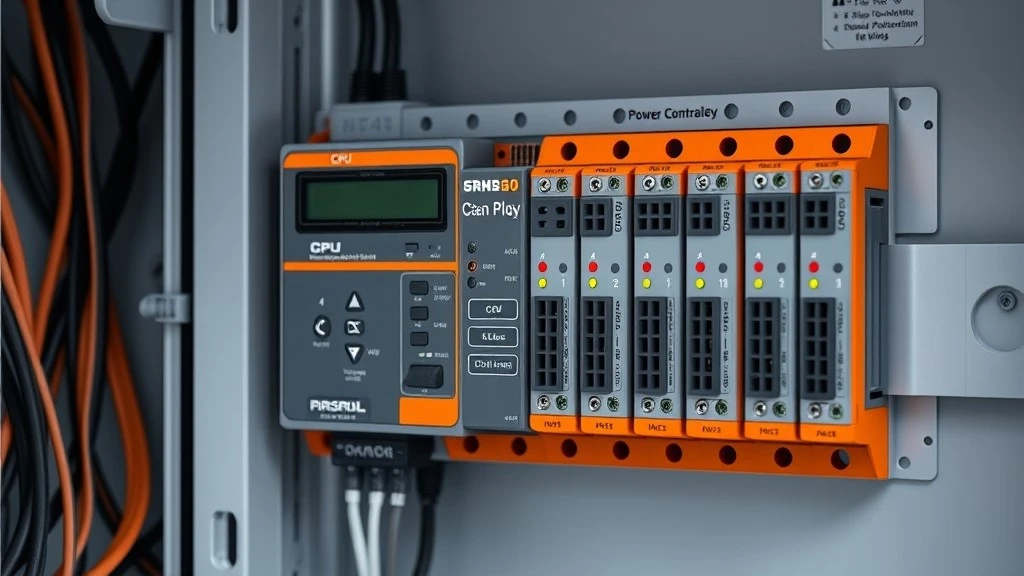
Both let people supervise the process, but at different scope. An HMI is local: one panel for one machine or cell. SCADA is wide: it reaches across multiple machines, lines or geographically separate sites. The split between local and wide is the single most useful idea when deciding what to buy.
What Is a PLC (Programmable Logic Controller)?
A PLC is a ruggedized industrial computer built to control machinery in real time. In practice, if a machine starts, stops, sequences, interlocks or responds to a sensor, a PLC is usually behind it.
How a PLC works: inputs, logic, outputs
A PLC repeats a fast loop called the scan cycle. Each scan it reads all inputs, runs your program (commonly written in Ladder Logic), then updates all outputs. This cycle repeats thousands of times per second, which is why a PLC reacts to a tripped sensor or a limit switch almost instantly.
PLC sizes and types: micro, compact and modular
PLCs scale with the job. Micro and compact units integrate the CPU, power and a fixed set of I/O for small machines. Modular systems let you add CPU, power and signal cards on a rack, so I/O grows with the application. Either way, the CPU and the I/O and communication modules are what you are really selecting.
Common PLC brands and series
The mainstream families you will compare include Siemens SIMATIC S7-1200 and S7-300, Schneider Modicon TM221 and TM241, Allen-Bradley CompactLogix, Mitsubishi FX, Omron CP and CJ, and ABB. You can browse all PLC brands here. What this means for selection: pick the brand whose ecosystem, software and spare-part availability fit your plant, not just the cheapest CPU.
What Is an HMI (Human-Machine Interface)?
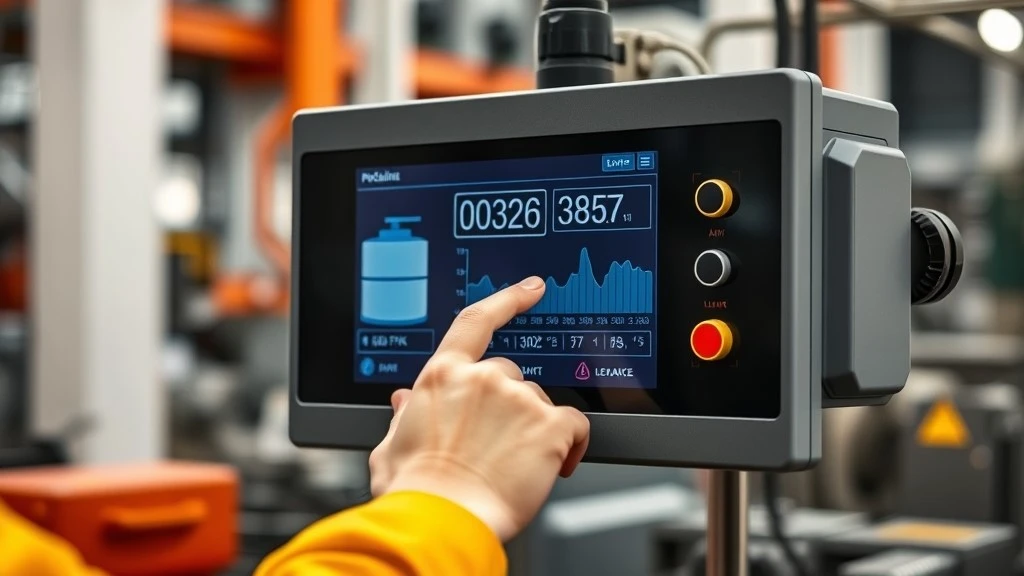
An HMI is the operator's window into the process. It replaces banks of push buttons and indicator lights with a single screen for viewing status, acknowledging alarms and issuing commands.
What an HMI does: visualize, alarm, command
The HMI reads values from the PLC (mapped through addresses called tags), shows them as gauges, trends and status graphics, raises alarms when limits are crossed, and sends operator commands back to the PLC. It displays and instructs, but it does not run the control logic itself.
HMI form factors
Choose the format that fits the workspace: a keypad panel for gloved or button-driven use, a touchscreen for graphical operation, an industrial PC for heavy visualization, or a web dashboard for remote viewing on a browser.
Common HMI panels
Widely used panels include Siemens SIMATIC KTP and Comfort series, Schneider Magelis, Pro-face and Weintek. You can browse HMI panels by brand here. For deeper product-level detail, see our Ultimate Guide to Siemens HMI and our hands-on SIMATIC HMI KTP900 guide. What this means: an HMI rarely works alone. It needs a PLC behind it to do anything.
What Is SCADA (Supervisory Control & Data Acquisition)?
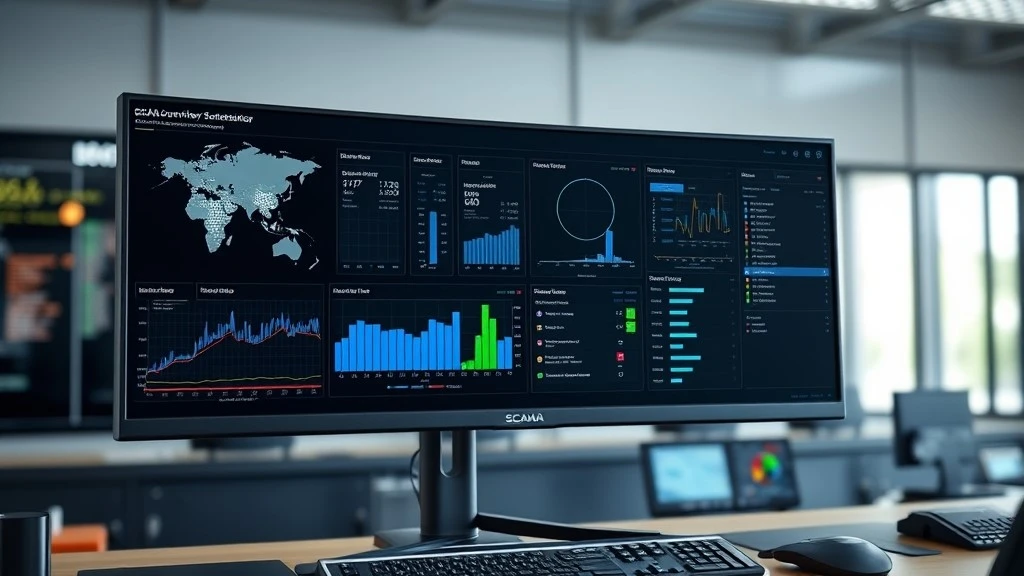
SCADA is the supervisory layer for operations that are too large or too spread out for a single panel. It is typically software running on servers and client screens, gathering data from many PLCs.
SCADA's four jobs
A SCADA system does four things at scale: remote control of equipment across a wide area, data acquisition from many field controllers, real-time monitoring on central dashboards, and event logging that builds the historical record for audits, reporting and troubleshooting.
SCADA vs HMI: when one HMI is enough
If you operate a single machine or cell from one location, a PLC and one HMI panel are usually enough. You add SCADA when you need to supervise multiple machines or sites from a central room, or when you must store long-term historical data. The trigger is scope, not screen size.
SCADA vs DCS: a quick distinction
Both supervise and control, but they suit different process types. SCADA fits discrete and geographically distributed operations, such as water networks, pipelines and multi-plant manufacturing. A DCS (Distributed Control System) fits continuous, single-site processes that run loops constantly, such as chemical, oil and gas, and power generation. If your process is continuous and concentrated in one large plant, evaluate DCS.
How PLC, HMI & SCADA Work Together (One Real Example)
Picture a heating tank with a temperature sensor and a level sensor. Here is the full chain:
- The sensors measure temperature and level and send signals to the PLC.
- The PLC reads those inputs every scan and checks them against your logic, for example a 90 °C limit.
- When temperature crosses the limit, the PLC acts: it opens a cooling valve and slows the pump.
- The HMI at the machine shows the live value and raises a local alarm so the operator sees it immediately.
- SCADA logs the event with a timestamp, trends it over time, and rolls it up with data from other tanks across the site.
Same event, three roles: the PLC decides, the HMI shows it locally, and SCADA records and aggregates it across the plant.
Communication Protocols That Connect Them
These layers only work if the devices speak a common language. The main protocols you will meet:
|
Protocol |
Typical use |
Brand camp |
Choose when |
|
Modbus RTU / TCP |
Simple, open device communication |
Vendor-neutral |
Mixing brands or moving basic data |
|
Profinet |
High-speed Ethernet control |
Siemens-led |
Siemens-heavy lines |
|
EtherNet/IP |
Ethernet control |
Rockwell / Allen-Bradley |
Allen-Bradley-heavy plants |
|
Profibus |
Established fieldbus |
Siemens, Schneider |
Extending existing Profibus assets |
|
CANopen |
Compact motion and embedded |
Multi-vendor |
Drives and small motion systems |
For PLC-to-SCADA links, OPC UA is the common, vendor-neutral choice.
What if devices speak different protocols?
This is common in real plants, and it is solvable. A protocol gateway, converter or serial server translates between two networks, for example Profibus to Profinet, or Modbus RTU to Modbus TCP. You do not have to replace working equipment to integrate it. Need a gateway to bridge two protocols? We stock communication and interface modules, so ask us for the right one.
PLC, HMI or SCADA: Which Do You Need?
This is where many guides stop short. Use this quick decision path:
- One machine, local operation: PLC plus a small HMI.
- Several machines or a line that needs a central view: PLC plus a larger HMI, with SCADA optional.
- Multiple sites, remote access, or heavy historical data: PLC plus SCADA.
- Continuous process such as chemical or power: evaluate a DCS.
Selection checklist
Before you buy, confirm these eight points: required I/O count (digital and analog), needed scan speed, memory, communication protocol, environment (IP rating and temperature range), brand ecosystem and software, budget, and realistic lead time for the parts.
Sizing tips
Leave roughly 15 to 20 percent spare I/O for future changes. Match HMI screen size and resolution to the data density and viewing distance. Size the power supply with margin. And check certifications, including cybersecurity standards such as IEC 62443 where remote access is involved.
Not sure which fits your machine? Send us your I/O list and we will spec the PLC and HMI for you.
Can You Mix Brands? Cross-Brand Compatibility
Yes, in most cases. If two devices share a protocol, they can talk across brands. A Siemens HMI can drive an Allen-Bradley PLC over Modbus TCP or OPC UA, for example. The catch is in the details: drivers, tag mapping and engineering software all need to line up.
Compatibility mini-matrix
|
HMI brand |
PLC brand |
Workable protocol |
|
Siemens SIMATIC |
Allen-Bradley |
Modbus TCP or OPC UA |
|
Schneider Magelis |
Siemens |
Modbus TCP or OPC UA |
|
Weintek or Pro-face |
Most brands |
Modbus, EtherNet/IP, Profinet drivers |
|
Omron |
Mitsubishi |
Modbus or OPC UA |
Native pairs, such as a Siemens HMI with a Siemens PLC over Profinet, are still the easiest to commission.
Common pitfalls
Watch for engineering-software lock-in (some panels configure only in the vendor's own tool), firmware version mismatches between HMI and PLC, and licensing for drivers or SCADA tags. We stock all major brands, so ask us whether a specific HMI and PLC pairing will work before you commit.
Buying Genuine PLC / HMI / SCADA Components
Specifying the right part is half the job. Sourcing it genuine and on time is the other half.
Genuine vs counterfeit or refurbished
Counterfeit and relabeled parts are a real risk for popular models. Check serial numbers, packaging, firmware and documentation, and buy from a supplier who can confirm sourcing. Genuine hardware protects your warranty, your uptime and your safety certifications.
Lead time and availability
A part that ships next quarter is no help when a line is down. We hold multi-brand stock, dispatch in-stock items within 48 hours, and ship worldwide via UPS, DHL and FedEx.
Warranty and after-sales
Our components carry a one-year warranty, backed by selection, installation and testing support so the part works in your system, not just on paper. As an export-focused supplier shipping to more than 30 countries, we help OEMs, integrators and plant teams keep projects on schedule.
Key Takeaways
- A PLC runs the control logic, an HMI is the local operator screen, and SCADA supervises and logs across many machines or sites.
- A CPU is the processor inside a PLC, not a separate device. A DCS is a different architecture for large continuous processes.
- They are layers of one system: field devices, then control (PLC), then local interface (HMI), then supervisory (SCADA).
- Quick selection rule: one machine wants a PLC plus a small HMI; a line wants a larger HMI; multiple sites want SCADA.
- Mixing brands works when devices share a protocol such as Modbus TCP or OPC UA, but check drivers, firmware and licensing.
- Always leave spare I/O, match the HMI to the viewing task, and confirm lead time before ordering.
FAQ

What is the main difference between a PLC, an HMI and SCADA?
Can an HMI work without a PLC?
What is the difference between SCADA and DCS?
Is a CPU the same as a PLC?
Can I connect a Siemens HMI to an Allen-Bradley or Schneider PLC?
Which communication protocol should I use, Modbus, Profinet or EtherNet/IP?
Get the Right Parts, Specified and In Stock
One supplier, every major brand, genuine parts in stock, 48-hour dispatch, a one-year warranty, and export to more than 30 countries. Whether you are selecting components or replacing a failed unit, we can help.
- Request a Quote or Get Selection Help (send your I/O list or model numbers)
- Browse PLCs and HMI panels by brand
- Email: jerry@szct-automation.com


