


Hey there! As a Siemens HMI supplier, I often get asked, "How often should I perform maintenance on Siemens HMI?" Well, let's dive right into it and break down the factors that determine the ideal maintenance frequency.
First off, it's important to understand that the maintenance schedule for Siemens HMIs can vary based on several things. One of the key factors is the environment in which the HMI is operating. If it's in a clean, temperature - controlled environment, the maintenance intervals can be a bit more spread out. But if it's in a harsh industrial setting with a lot of dust, vibrations, or extreme temperatures, you'll need to be more on top of maintenance.
Let's talk about the different types of maintenance. There are basically two main categories: preventive maintenance and corrective maintenance. Preventive maintenance is all about stopping problems before they happen. It includes things like regular cleaning, checking for loose connections, and updating software. Corrective maintenance, on the other hand, is what you do when something has already gone wrong.
For preventive maintenance, a good starting point is to perform a basic visual inspection on a monthly basis. During this inspection, you should check for any signs of physical damage, like cracks on the screen or loose cables. Make sure the display is clear and that there are no abnormal colors or flickering. Also, check the buttons or touchscreen to ensure they're responding properly.
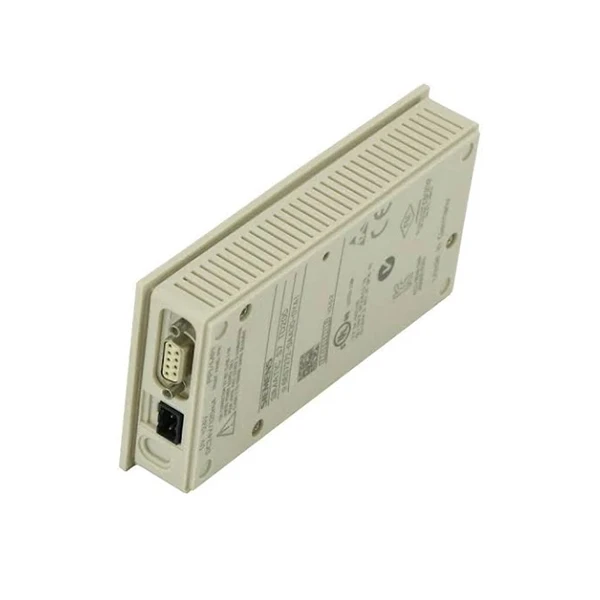
If you're using a Siemens 6av6644 - 0ab01 - 2ax0 Simatic Mp 377, for example, it's crucial to keep an eye on the ventilation ports. In industrial settings, dust can quickly accumulate in these ports, which can lead to overheating. So, during your monthly inspection, use a soft brush or compressed air to clean the ventilation areas gently.
Every three months, you should take a more in - depth look at the HMI. This is the time to check the software version. Siemens regularly releases software updates to improve performance, add new features, and fix security vulnerabilities. Updating the software can prevent a lot of potential issues down the road. You can usually find the latest software on the Siemens official website.
Also, during the quarterly maintenance, test all the functions of the HMI. If it's connected to other devices in a control system, make sure the communication between them is working smoothly. For instance, if it's integrated with a PLC, test the data transfer and control commands.
Once a year, it's a good idea to perform a comprehensive maintenance. This involves disassembling the HMI (if possible and following the manufacturer's guidelines) to clean the internal components. Check the power supply unit for any signs of wear or overheating. Replace any worn - out parts, such as batteries in models that use them for backup.
Now, let's consider the Siemens SIMATIC HMI TD 200. This is a more basic HMI, but it still requires proper maintenance. The monthly and quarterly checks are similar to other models, but the annual maintenance might be a bit less complex. However, you still need to pay attention to the display quality and the integrity of the communication ports.
Another important aspect is the usage pattern. If the HMI is in constant use, 24/7, it will likely need more frequent maintenance compared to one that's used only occasionally. For high - usage HMIs, you might want to increase the frequency of your inspections. Maybe do a quick daily check in addition to the regular monthly, quarterly, and annual maintenance.
Let's not forget about the importance of keeping records. Whenever you perform maintenance, write down what you did, what you found, and any actions you took. This record - keeping will help you track the HMI's performance over time and can be very useful if you need to troubleshoot a problem in the future.
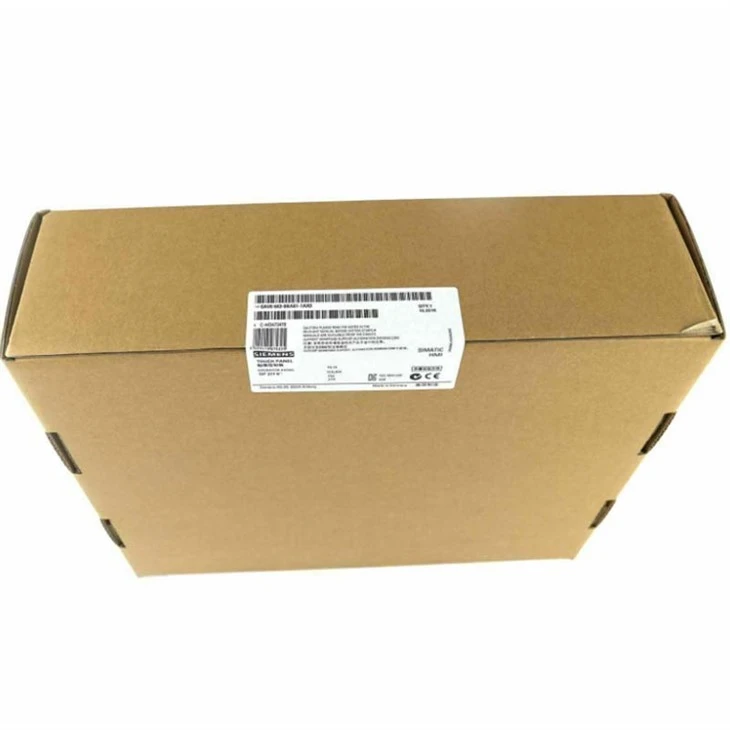
When it comes to corrective maintenance, as soon as you notice an issue, don't wait. For example, if the Siemens 6AV6643 - 0BA01 - 1AX0 starts showing error messages or the touchscreen stops working, take immediate action. Sometimes, it could be a simple fix, like a loose cable. But other times, it might require more in - depth troubleshooting or even replacement of parts.
In conclusion, there's no one - size - fits - all answer to how often you should perform maintenance on Siemens HMIs. It depends on the environment, usage pattern, and the specific model. But by following a regular maintenance schedule of monthly visual inspections, quarterly software checks and function tests, and annual comprehensive maintenance, you can keep your Siemens HMI in top - notch condition.
If you're in the market for a Siemens HMI or need help with maintenance, don't hesitate to reach out. We're here to assist you with all your Siemens HMI needs. Whether you're looking for a new unit or need advice on maintenance, we've got you covered.
References:
- Siemens official documentation
- Industry best practices for HMI maintenance


