


As a trusted supplier of Allen - Bradley Variable Frequency Drives (VFDs), I understand the importance of setting the acceleration and deceleration curves correctly. These curves play a crucial role in the performance, efficiency, and longevity of your equipment. In this blog post, I'll guide you through the process of setting the acceleration and deceleration curves on an Allen - Bradley VFD.
Understanding Acceleration and Deceleration Curves
Before we dive into the setting process, let's first understand what acceleration and deceleration curves are. The acceleration curve determines how quickly the VFD ramps up the motor speed from zero to the set speed. On the other hand, the deceleration curve controls how fast the motor slows down from the operating speed to a stop.
There are different types of acceleration and deceleration curves available on Allen - Bradley VFDs, such as linear, S - curve, and custom curves. A linear curve provides a constant rate of acceleration or deceleration. An S - curve, however, starts and ends with a slower rate of change, which can be beneficial in applications where sudden jolts need to be avoided, like conveyor systems. Custom curves allow you to define your own acceleration and deceleration profiles according to the specific requirements of your application.
Pre - setting Considerations
Before setting the acceleration and deceleration curves, there are a few things you need to consider. First, understand the requirements of your application. For example, if you're using the VFD to control a pump, a linear curve might be sufficient. But if you're dealing with a crane or a hoist, an S - curve could be more appropriate to prevent sudden movements that could damage the load or the equipment.
Second, check the motor's specifications. The motor's rated current, torque, and speed will influence the acceleration and deceleration times. You don't want to set the curves too aggressively, as it could cause the motor to overheat or trip the VFD's protection mechanisms.
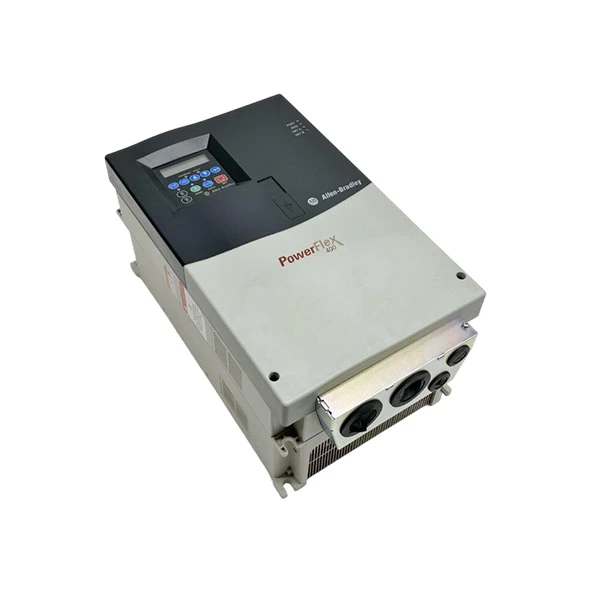

Setting the Acceleration and Deceleration Curves
The process of setting the curves on an Allen - Bradley VFD can vary depending on the model. Here, I'll provide a general step - by - step guide that can be applied to most models.
Step 1: Access the Configuration Menu
First, power on the VFD and access the configuration menu. This is usually done by pressing the "Menu" or "Config" button on the VFD's keypad. Navigate through the menu using the arrow keys until you find the section related to acceleration and deceleration settings.
Step 2: Select the Curve Type
Once you're in the acceleration and deceleration settings section, you'll need to select the curve type. Use the arrow keys to scroll through the available options, such as linear, S - curve, or custom. If you're unsure which type to choose, refer to the application requirements and motor specifications as mentioned earlier.
Step 3: Set the Acceleration and Deceleration Times
After selecting the curve type, you'll need to set the acceleration and deceleration times. The acceleration time is the time it takes for the motor to reach the set speed from zero, and the deceleration time is the time it takes for the motor to stop from the operating speed.
To set these times, enter the desired values in seconds. For example, if you want the motor to reach the set speed in 10 seconds, enter "10" as the acceleration time. Similarly, if you want the motor to stop in 8 seconds, enter "8" as the deceleration time.
Step 4: Customize the Curve (if applicable)
If you've selected a custom curve, you'll have the option to further customize the acceleration and deceleration profiles. This might involve setting multiple points on the curve to define different rates of acceleration or deceleration at different speeds.
To customize the curve, you'll need to enter the speed and time values for each point on the curve. This can be a bit more complex and might require some trial - and - error to get the perfect profile for your application.
Step 5: Save the Settings
Once you've set all the parameters, save the settings in the VFD's memory. This is usually done by pressing the "Save" or "Enter" button on the keypad. Make sure to double - check all the settings before saving to avoid any errors.
Testing the Settings
After setting the acceleration and deceleration curves, it's important to test the VFD to ensure that the settings are working as expected. Start the motor at a low speed and gradually increase it to the set speed. Observe the motor's behavior during acceleration and deceleration.
If the motor jerks or vibrates excessively, it might indicate that the curves are set too aggressively. In this case, you'll need to go back to the configuration menu and adjust the settings accordingly. On the other hand, if the motor takes too long to reach the set speed or stop, you can try reducing the acceleration and deceleration times.
Recommended Allen - Bradley VFD Models
We offer a wide range of Allen - Bradley VFD models that are suitable for different applications. For example, the Allen - Bradley 22B - D010N104 is a compact and reliable VFD that can be used in small - to - medium - sized applications. It offers a variety of curve types and easy - to - use configuration options.
The Allen - Bradley 22C - D045A103 is another popular model. It has a higher power rating and is suitable for more demanding applications. It provides advanced features for setting and adjusting the acceleration and deceleration curves.
If you're looking for a high - performance VFD, the Allen - Bradley 22F - D4P2N103 VFD is a great choice. It offers precise control over the acceleration and deceleration profiles, making it ideal for applications that require high accuracy.
Conclusion
Setting the acceleration and deceleration curves on an Allen - Bradley VFD is a crucial step in optimizing the performance of your motor and the overall efficiency of your system. By understanding the different curve types, considering the application requirements and motor specifications, and following the proper setting procedures, you can ensure that your VFD operates smoothly and reliably.
If you have any questions about setting the acceleration and deceleration curves or need help in choosing the right Allen - Bradley VFD for your application, don't hesitate to contact us. We're here to provide you with the best solutions and support for all your VFD needs. Let's start a conversation about your project and find the perfect VFD for you.
References
- Allen - Bradley VFD User Manuals
- Industrial Motor Control Handbook


