



The PowerFlex 753 and PowerFlex 755 belong to the same Allen-Bradley PowerFlex 750 Series, but choosing between them is not simply a matter of selecting the more advanced drive.
For many applications, the 753 already provides the motor control, safety options, feedback capability, and system flexibility required. The 755 becomes the stronger candidate when requirements such as Integrated Motion, embedded EtherNet/IP, additional option capacity, or a wider power range become important.
The practical question is therefore not, "Which drive is better?"
It is:
Which drive matches the motor, load, control architecture, safety requirements, installation conditions, and replacement strategy of your machine?
If you only need a shorter feature based comparison, see our earlier PowerFlex 753 vs 755: Which One Should You Choose?. This guide goes further into engineering selection, replacement verification, and the information you should prepare before ordering.
Quick Answer: PowerFlex 753 or 755?
|
Requirement |
Starting Point |
Why |
|
General industrial motor control |
PowerFlex 753 |
Often sufficient when advanced motion and additional expansion are not required |
|
Embedded EtherNet/IP integration |
PowerFlex 755 |
Ethernet connectivity is integrated into the drive |
|
Integrated Motion on EtherNet/IP |
PowerFlex 755 |
Designed for deeper Logix and motion integration |
|
More option capacity |
PowerFlex 755 |
Five option slots provide more configuration flexibility |
|
Built-in I/O with moderate expansion needs |
PowerFlex 753 |
Includes embedded I/O and three option slots |
|
Application beyond the practical 753 power range |
PowerFlex 755 |
The 755 covers a substantially wider power range |
|
Regeneration, harmonic mitigation, or TotalFORCE requirements |
PowerFlex 755T family |
These requirements point beyond the standard 753 versus 755 comparison |
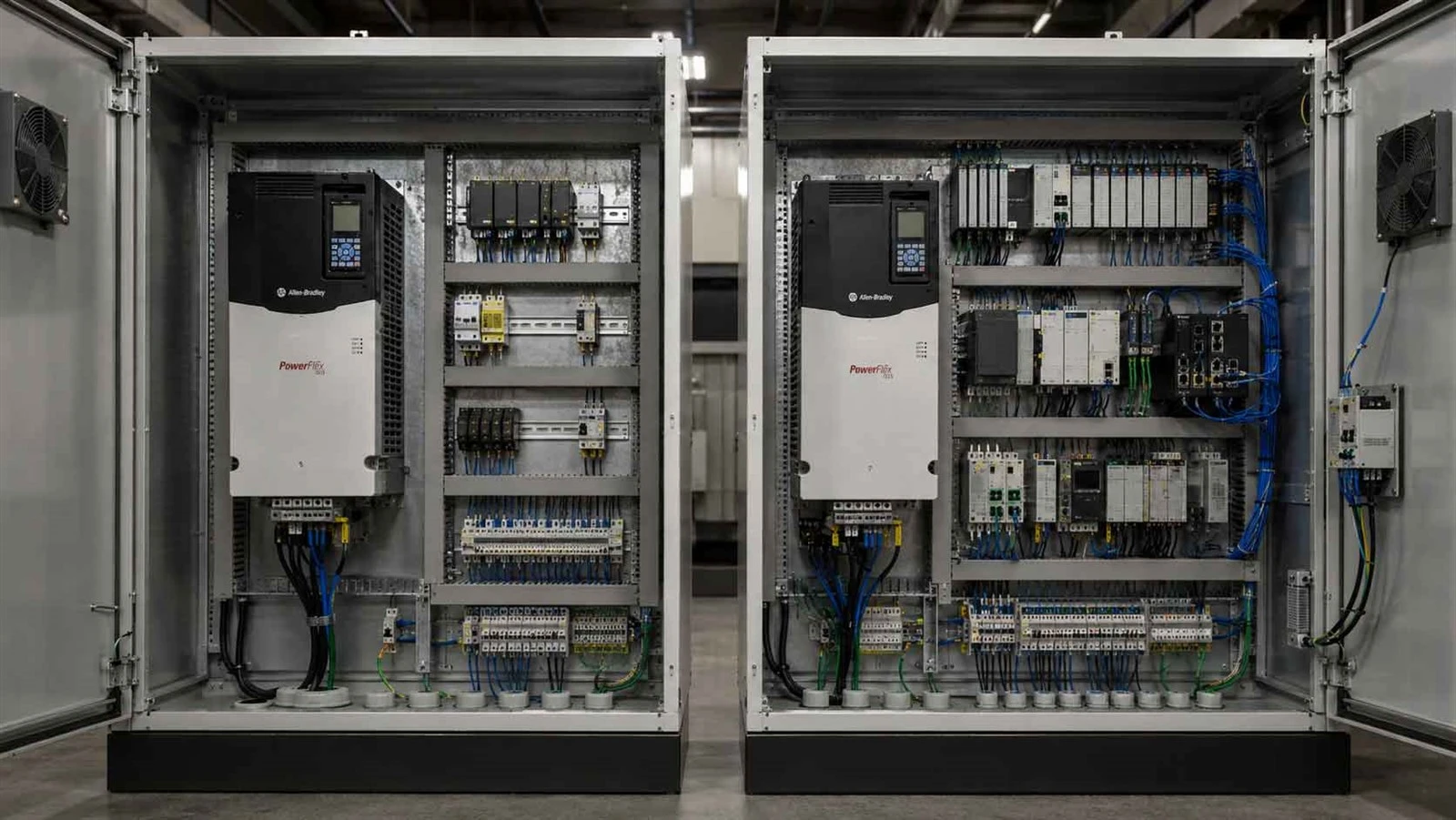
These are screening rules, not final catalog number selections. Motor current, duty rating, voltage, options, enclosure, and application requirements still need to be verified before ordering.
PowerFlex 753 vs 755 at a Glance
The first useful comparison is not a list of marketing features. It is a list of differences that can actually change the engineering decision.
|
Item |
PowerFlex 753 |
PowerFlex 755 |
|
Bulletin |
20F |
20G |
|
Product class |
Architecture class AC drive |
Architecture class AC drive |
|
380 to 480V power range |
Up to 250 kW / 400 Hp depending on rating |
Extends up to 1400 kW / 2000 Hp depending on rating |
|
Standard architecture |
Embedded I/O |
Embedded EtherNet/IP |
|
Option slots |
3 |
5 |
|
EtherNet/IP |
Available through option module |
Embedded port, with additional networking options available |
|
Motor control |
V/Hz, sensorless vector, FORCE technology vector control |
V/Hz, sensorless vector, FORCE technology vector control, plus additional motor control capabilities |
|
Integrated Motion on EtherNet/IP |
No |
Yes |
|
Safety options |
Includes Safe Torque Off and Safe Speed Monitor options |
Multiple safety options, including integrated configurations |
|
Typical starting point |
General architecture class motor control |
Applications needing deeper integration, motion, expansion, or higher ratings |
Rockwell currently specifies three option slots for the PowerFlex 753. For the PowerFlex 755, Rockwell lists embedded EtherNet/IP, five option slots, and Integrated Motion on EtherNet/IP. Power ratings vary by voltage class and duty rating, so the maximum figures above should never be used as the only sizing criterion.
What the PowerFlex 753 and 755 Have in Common
The PowerFlex 753 should not be treated as a basic VFD simply because the 755 offers more expansion and motion capability.
Both products are part of the PowerFlex 750 Series architecture and support sophisticated industrial motor control. They share a modular design philosophy, Rockwell engineering tools, configurable safety options, feedback capabilities, and integration with the broader Allen-Bradley automation environment.
This matters because an application does not automatically need a 755 simply because it uses vector control, safety functions, feedback, or EtherNet/IP.
The correct decision comes from identifying which specific requirements exceed the practical configuration of the 753.
The Differences That Actually Change Your Selection
1. Power and Voltage Range
Power is an obvious difference, but horsepower should not be the first or only selection value.
Rockwell lists the PowerFlex 753 at 380 to 480V up to 250 kW and 400 Hp, depending on the specific rating. The PowerFlex 755 extends substantially further, reaching ratings up to 1400 kW and 2000 Hp in the 380 to 480V class. Other voltage classes have different ranges.

For a large motor outside the 753 range, the decision can therefore be straightforward.
For motors that fall inside the range of both drives, check:
- Motor nameplate voltage
- Full load current
- kW or Hp
- Normal Duty or Heavy Duty requirement
- Required overload capability
- Supply voltage
- Application load
A common replacement mistake is matching a drive by horsepower alone. Two motors with the same nominal horsepower can have different full load currents and operating demands.
Selection rule: use horsepower or kW to establish the general range, then confirm the drive against motor current and the required duty rating.
2. Motor Control, Feedback, and Motion
The more important question is often not how large the motor is, but what the machine needs the motor to do.
A conventional conveyor may only require controlled acceleration, deceleration, and stable running speed. A winder or converting machine may require accurate torque control, feedback, synchronization, or position related functions.
The PowerFlex 755 supports Integrated Motion on EtherNet/IP through Studio 5000 Logix Designer. This makes it relevant when the drive must participate more deeply in a coordinated Logix motion architecture.
Do not specify the 755 only because "motion control is better."
Instead ask:
Does the application only need controlled speed?
Is accurate torque regulation important to product quality?
Is encoder or other feedback required?
Does the axis need position related control?
Must the drive coordinate with other axes through the control architecture?
If you are deciding whether the application should use a VFD or a servo platform at all, our Kinetix vs PowerFlex guide addresses that boundary in more detail.
3. EtherNet/IP and Control System Integration
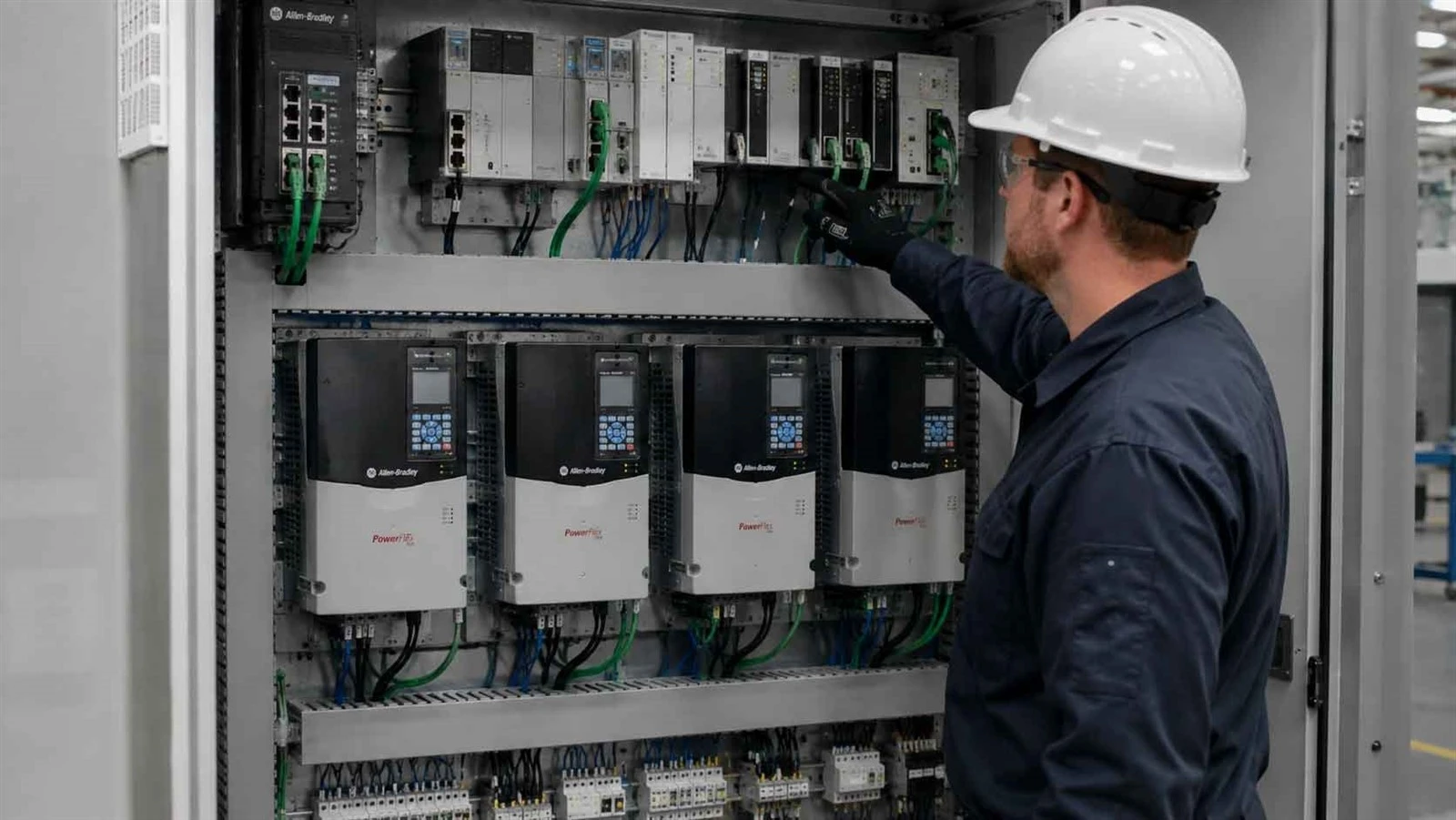
Both drives can operate in an EtherNet/IP environment, but their standard architectures are different.
The PowerFlex 753 uses an EtherNet/IP option module when Ethernet networking is required. The PowerFlex 755 includes embedded EtherNet/IP and supports deeper Logix integration, including Integrated Motion applications.
That difference matters when you are planning:
- Device Level Ring architecture
- Controller integration
- Drive replacement through a Logix based system
- Option slot allocation
- Machine standardization
- Motion over EtherNet/IP
If Ethernet is only required for basic communication, that alone does not automatically justify a 755.
If the network is part of the machine's motion and automation architecture, the 755 becomes much more relevant.
4. I/O and Option Slot Capacity
Option slot count sounds like a minor specification until several requirements have to exist in the same drive.
The PowerFlex 753 provides three option slots. The PowerFlex 755 provides five.
Consider a machine that requires some combination of:
- Motor feedback
- Safety functions
- Additional digital or analog I/O
- Communications
- Auxiliary power
- Future expansion
The question is not simply, "How many option cards do I need today?"
It is also:
How much configuration headroom should remain after the required options are installed?
For a straightforward machine, three slots may be more than sufficient. For a configuration using several feedback, safety, communication, and I/O functions, the additional capacity of the 755 can influence the architecture.
5. Safety Requirements
Safety should be selected from the machine's risk assessment, not from the assumption that the larger model is automatically safer.
The PowerFlex 753 supports options including Safe Torque Off and Safe Speed Monitor. Rockwell lists the Safe Torque Off option at PLe, SIL3, Category 3.
The 755 also supports multiple safety configurations, including options intended for closer integration with a Logix based safety architecture.
Before selecting the drive, define the required function:
- Is Safe Torque Off sufficient?
- Must speed be safely monitored?
- Does the machine use a safety controller?
- Is integrated network safety required?
- Does the load introduce special braking or suspended load considerations?
The drive should follow the safety requirement. The safety requirement should not be invented after the drive has already been chosen.
6. Enclosure and Installation Environment
A technically suitable drive can still be the wrong replacement if it does not fit the installation.
Before ordering, confirm:
- IP or NEMA enclosure requirement
- Frame and mounting arrangement
- Cabinet dimensions
- Ventilation and thermal conditions
- Dust or contamination
- Cable access
- Maintenance clearance
- Destination environment
Rockwell offers the 753 and 755 in multiple enclosure and mounting arrangements, so the exact catalog number matters.
For a replacement project, photograph the existing drive nameplate, cabinet, mounting arrangement, option cards, and visible wiring before removing the old unit.
Choose by Application, Not by Model Number
Application names are useful starting points, but they are not final selection rules.
|
Application |
Typical Starting Point |
What Can Change the Decision |
|
Centrifugal pump |
753 |
Power, network architecture, process control |
|
Fan or blower |
753 |
Rating, communication, plant standardization |
|
Standard conveyor |
753 |
Load torque, feedback, safety |
|
Synchronized conveyor |
755 |
Motion and feedback requirements |
|
Winder or converting line |
755 |
Torque, synchronization, position requirements |
|
Extruder |
Depends |
Torque control, current, feedback |
|
Crane or hoist |
Evaluate carefully |
Braking, feedback, safety, suspended load requirements |
|
Large process motor |
Often 755 |
Power and frame requirement |
A pump does not automatically require a 753, and a crane does not automatically require a 755. The application tells you which questions to ask. The electrical and control requirements determine the final drive.
A 7 Step PowerFlex 753 vs 755 Decision Framework
Step 1: Read the Motor Nameplate
Record voltage, full load current, kW or Hp, frequency, and RPM. A clear motor nameplate photo is usually more useful than a description such as "30 kW motor."
Step 2: Identify the Load
Determine whether the application is variable torque, constant torque, high inertia, regenerative, suspended, or coordinated with another axis.
This affects overload, braking, control, and safety requirements.
Step 3: Define the Required Control Performance
Separate simple speed regulation from torque control, feedback, positioning, and coordinated motion.
Do not pay for motion functionality that the machine will never use.
Step 4: List I/O and Feedback Requirements
Write down every required interface before selecting option modules.
Include analog and digital I/O, encoder or feedback requirements, safety, communications, and any auxiliary functions.
Step 5: Define the Network Architecture
Identify the controller, communication protocol, DLR requirements, Logix integration, motion requirements, and whether the project is new or replacing an existing networked drive.
Step 6: Define Safety Before Selecting Options
Use the machine risk assessment to establish the required safety functions.
Do not choose a safety card simply because it is available.
Step 7: Check Environment, Availability, and Total Cost
Only after the technical shortlist is complete should you compare enclosure, exact configuration, sourcing, lead time, commissioning work, and total installed cost.
For a broader view across the PowerFlex families, see our PowerFlex 7 Series Guide: Models, Features, Selection & Migration.
New Project vs Replacement: The Decision Is Different
For a New Machine
A new design gives you more freedom.
You can evaluate whether the application belongs on a PowerFlex 525, 753, 755, or 755T family platform according to current requirements.
Consider future expansion, standardization, network architecture, spare part strategy, and expected machine lifecycle before locking in the drive family.
For an Existing PowerFlex 753 or 755 Replacement
Do not assume that equal horsepower makes two drives interchangeable.
Verify:
- Full existing catalog number
- Voltage and current
- Frame and physical dimensions
- Option modules
- I/O wiring
- Feedback
- Safety configuration
- Network architecture
- Parameter set
- Firmware and controller configuration
A same model replacement and a cross family engineering replacement are different projects.
Until these items are checked, treat a 753 to 755 or 755 to 753 change as an engineering modification, not as a plug and play substitution.
Migrating from PowerFlex 70 or 700
A legacy migration adds another layer.
Check electrical ratings, physical installation, communications, control wiring, feedback, parameters, and safety before selecting a 753 or 755.
Our PowerFlex 700 vs 700S vs 700H guide can help identify the legacy platform before planning a migration.
20F vs 20G: What the Catalog Number Tells You
The first characters provide a useful family identifier:
- 20F identifies the PowerFlex 753 family
- 20G identifies the PowerFlex 755 family
But 20F or 20G alone is not enough to place an order.
The full catalog number contains information related to the electrical and physical configuration. Before confirming a replacement, check the complete string together with voltage, current, enclosure, duty, and installed options.
If you have the old catalog number but are unsure how it maps to the application, use the broader Allen-Bradley PowerFlex VFD Selection, Replacement and Sourcing Guide as the next internal reference.
When Neither the PowerFlex 753 nor 755 Is the Right Choice
Sometimes the best result of a comparison is deciding that neither product is the right starting point.
For a smaller machine with straightforward speed control, limited expansion needs, and a simpler control architecture, a compact PowerFlex platform such as the PowerFlex 525 may deserve evaluation.
At the other end, applications requiring TotalFORCE technology, regeneration, harmonic mitigation, or common bus architecture should move toward the PowerFlex 755T family.
Rockwell positions the 755T family around TotalFORCE control and includes solutions for regeneration, harmonic mitigation, and common bus systems.
Choose the platform because the application requires its architecture, not because the model number appears newer.
Compare Total Installed Cost, Not Only Drive Price
The unit price is only one part of a PowerFlex project.
A realistic comparison can include:
- Base drive cost
- Required option modules
- Safety hardware
- Engineering and programming
- Commissioning
- Panel modification
- Migration work
- Production downtime
- Spare part strategy
- Delivery risk
A 753 with several required options may create a different total BOM than expected. A 755 may cost more at the drive level but reduce other integration compromises in an application that genuinely needs its architecture.
For replacement projects, physical modification and downtime can be more important than the initial price difference between the two drives.
PowerFlex 753/755 Buyer Checklist
Before requesting a stock check, compatibility review, or quotation, prepare the following information:
|
Information |
Why It Matters |
|
Existing catalog number |
Identifies the installed drive configuration |
|
Drive nameplate photo |
Reduces catalog transcription errors |
|
Motor voltage |
Confirms voltage class |
|
Motor full load current |
Supports correct sizing |
|
kW or Hp |
Cross checks motor rating |
|
Application/load |
Defines control and duty requirements |
|
Normal Duty or Heavy Duty requirement |
Affects drive current selection |
|
Feedback |
Determines feedback and motion requirements |
|
Network |
Defines communication architecture |
|
Safety requirement |
Determines required safety functions |
|
Enclosure |
Confirms environmental suitability |
|
Quantity |
Supports availability checking |
|
Destination country |
Helps confirm commercial and logistics requirements |
If you already have a complete 20F or 20G catalog number, send that first.
If the part number is unclear, send clear photos of the drive and motor nameplates together with a short description of the machine.
Shenzhen Chentuo Technology supplies Allen-Bradley VFDs, PLCs, HMIs, and other industrial automation products for international customers. Buyers who already know the required family can also browse our Allen-Bradley VFD product category before requesting a quotation.
Final Recommendation: Which One Should You Choose?
Evaluate the PowerFlex 753 when the application requires capable architecture class motor control but does not need the 755's Integrated Motion, embedded Ethernet architecture, additional option capacity, or wider power range.
Evaluate the PowerFlex 755 when Integrated Motion, deeper Logix integration, embedded EtherNet/IP, five option slots, or higher power requirements materially affect the machine design.
Move beyond both to the PowerFlex 755T family when the project requires TotalFORCE, regeneration, harmonic mitigation, or related power architecture.
The final PowerFlex 753 vs 755 decision should then be verified against the exact motor, duty, options, safety requirements, enclosure, and catalog number before an order is placed.
If you already have an existing drive, the most useful next step is to send the complete catalog number, motor nameplate, quantity, and destination country for compatibility and availability checking.
FAQ

What is the main difference between PowerFlex 753 and 755?
Does PowerFlex 753 have built-in EtherNet/IP?
How many option slots do the PowerFlex 753 and 755 have?
Can a PowerFlex 755 replace a PowerFlex 753?
What is the difference between 20F and 20G?
When should I choose a PowerFlex 755T instead of a PowerFlex 755?


